
Cuts the video
Picks the best take of every line, removes false starts and dead air, and keeps something new on screen every 2–3 seconds.
30 days until the launch price ends
An AI reel editor that runs in Claude Code
The Reel Editing Kit turns Claude Code into your reel editor. It cuts, animates, captions, zooms and sound-designs your talking-head videos in your style, and takes notes by timestamp like a human editor.
One-time payment · Instant download · Mac & Windows
What it does
Drop in one raw talking-head video. The kit takes it from there.
Picks the best take of every line, removes false starts and dead air, and keeps something new on screen every 2–3 seconds.
Full-screen text, 3D objects and real app screens, plus cards, split screens and words behind your head while you stay on screen. All built in code, so nothing looks like a template.
In your font and colours, two words at a time, timed to the word and kept clear of everything else on screen.
A slow intro zoom-out and gentle pushes on your eyes. Eased in and out, never a jump.
Whooshes, taps and UI tones from a tested formula, kept under your voice. Adds music when you bring a track.
Checks every frame before handing anything over, then gives you a full-quality 1080×1920 file and a smaller phone copy.
The animations
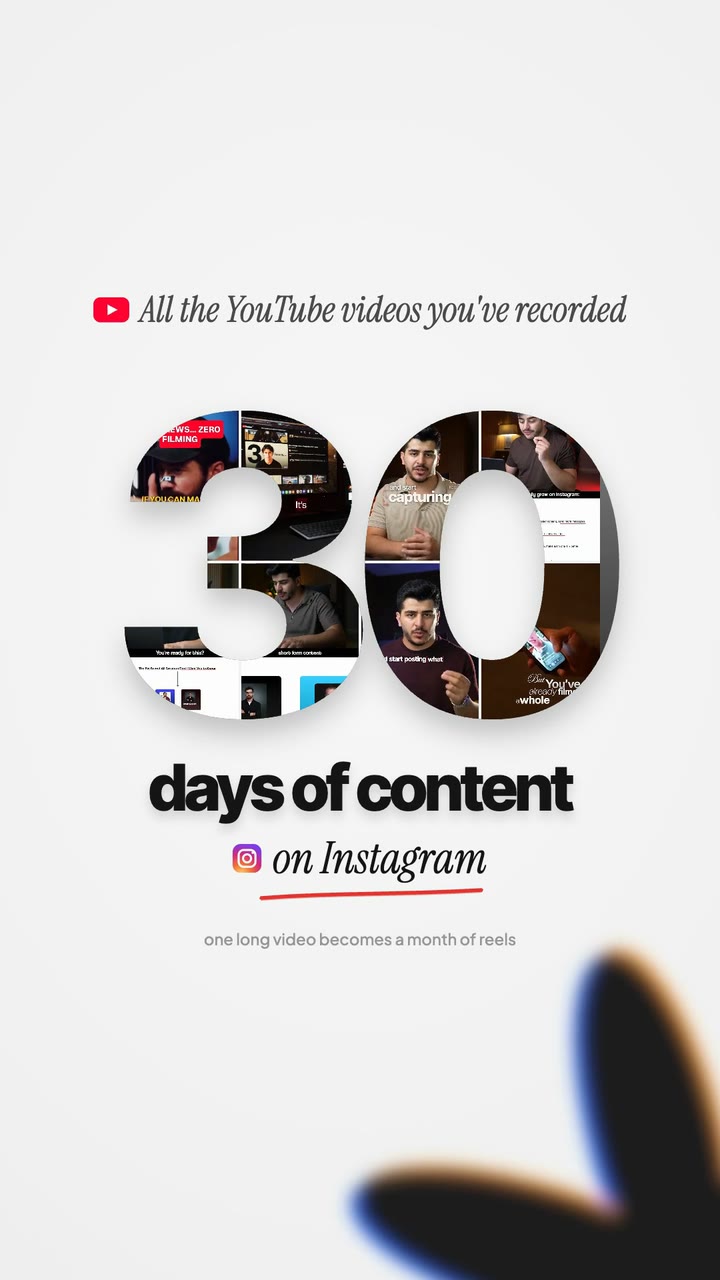
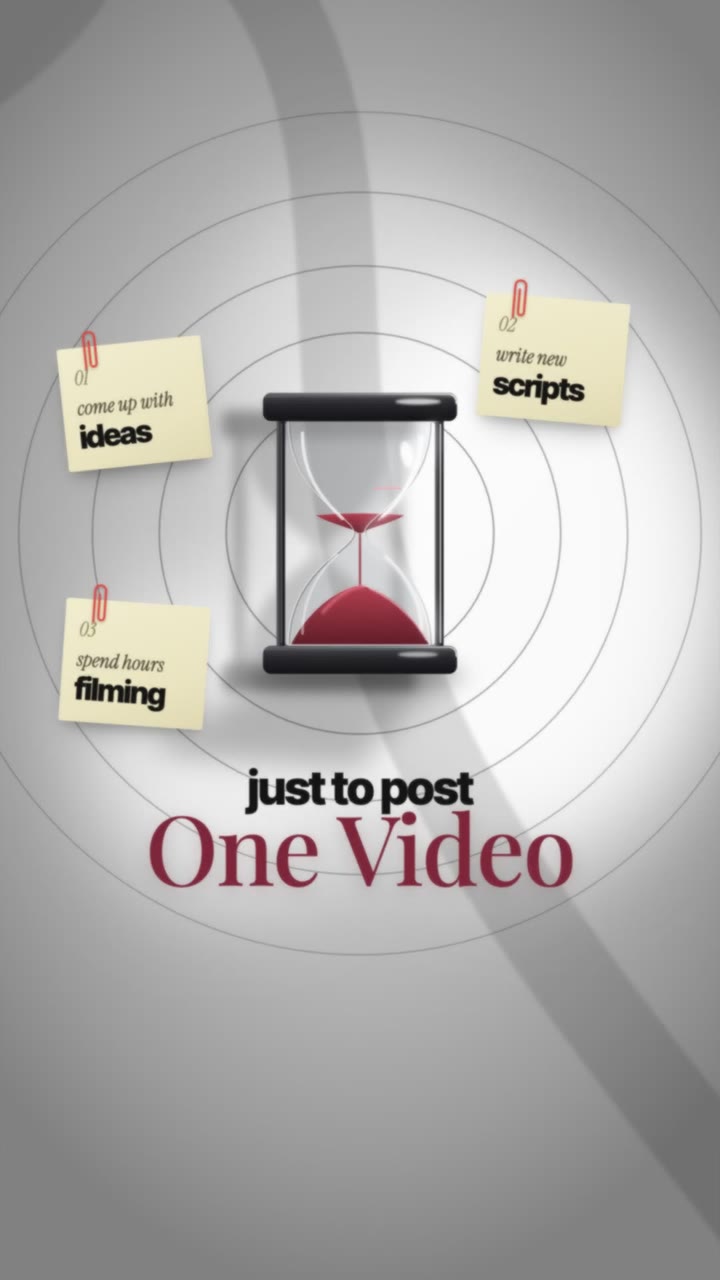
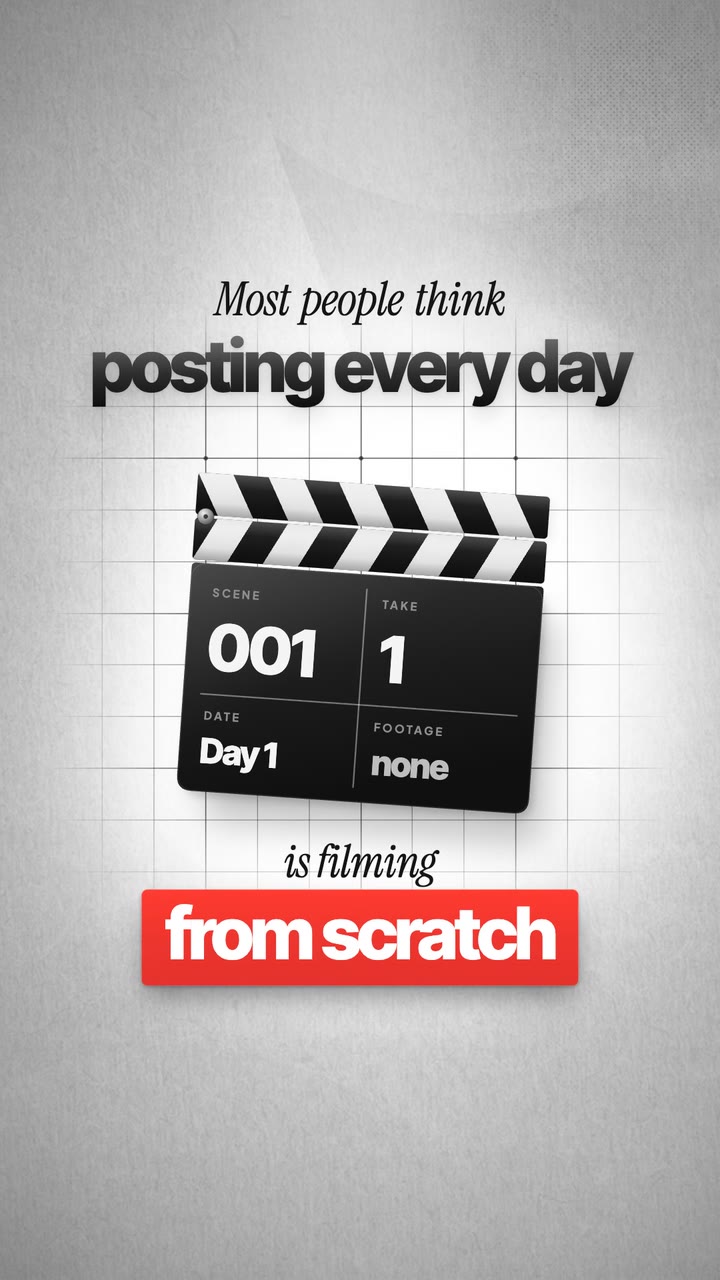
A few of the 47 animations that come with the kit, with their code. For every video, Claude builds new ones like these in your colours and fonts. Click a picture to see it bigger.
Full-screen animation
On-screen animation
Full-screen animation
App UI, rebuilt
Full-screen animation
On-screen animation
Full-screen animation
Full-screen animation
On-screen animation
App UI, rebuilt
Full-screen animation
On-screen animation
Full-screen animation
App UI, rebuilt
On-screen animation
Full-screen animation
Captions
Full-screen animation
On-screen animation
Full-screen animation
App UI, rebuilt
Full-screen animation
On-screen animation
Full-screen animation
Captions
Full-screen animation
On-screen animation
App UI, rebuilt
Full-screen animation
Full-screen animation
How it works
No timeline, no keyframes. You talk to it the way you’d talk to an editor.
Unzip the folder and open it from the Code tab of the Claude desktop app. That’s the whole install on your side.
Claude checks your computer and installs what’s missing: Node.js, ffmpeg, Python, the animation engine and the speech-to-text model. It asks before it installs anything.
You type“set up the kit”
A short interview: creators you love, what you hate, your colours, fonts, captions and pace. It saves all of it as your style, and every edit follows it.
You type“set up my style”
One talking-head recording into input/. Claude cuts, animates, captions, zooms, sound-designs and checks every frame. You get a full-quality reel and a phone copy.
You type“edit my video”
Claude changes only what you named, sends the next version and remembers lasting preferences for next time.
You type“at 0:12, start the animation 0.3 s earlier”
Everything you get
Transcribes, cuts the best takes, animates, captions, zooms, sound-designs and checks every frame. Delivers a 1080×1920 reel plus a phone copy.
Setup, style, edit, cutting, captions, animating, zooms, sound design and revise. Short front pages, so every edit stays cheap to run.
47 finished animations with their code: full-screen text and objects, real app UI, glass cards, split screens, words behind your head.
The animations pictured here and more, as clips with sound plus stills, sorted by type. Point at one and say “like that”.
Every sound used in my reels, plus whooshes, risers, hits, clicks and UI tones. Licensed for your own and your client videos.
What plays on every cut, landing and card, and how loud, as a sheet with a timed demo you can listen to.
A style interview that learns your taste, colours (with colour theory), fonts and pace, then keeps learning from every note you give.
9 open-licence fonts and 14 textured grounds, ready to drop into any edit.
“At 0:12, 0.3 s earlier.” Claude changes only what you named, shows 4 options when you ask and re-renders just that part.
The Reel Editing Kit
$XXX
One-time payment · yours to keep
Secure checkout by Stripe
Payment is processed by Ultimate Editors LLC, so that name shows at checkout and on your card statement.
Runs in the Claude desktop app (paid plan) on Mac or Windows.
This offer has ended.
Questions
No. You talk to Claude in plain English: “edit my video”, “too fast, make the folders slower”, “remove the music”. The code is there for Claude, not for you.
A Mac (Apple Silicon or Intel) or Windows 10/11 with about 10 GB free, and the Claude desktop app with the Code tab on a paid plan (edits are long sessions). Setup installs everything else for you.
Vertical talking-head reels: one person speaking to camera. Drop in one raw recording at a time, plus a music track if you want one.
Only if you want them to. The style interview builds your own profile: your colours, fonts, captions and pace. The pictured animations teach the technique; every video gets its own design in your style.
Setup takes 15–30 minutes once, the style interview about 10. After that you drop in a video, type “edit my video” and come back in 1–3 hours to a finished reel.
No. Bring tracks you have the rights to (drop them in input/music/), or skip music: any edit can be delivered without it in about a minute.
Yes. The included sound effects are licensed for your own videos and client work. The kit itself is licensed to one buyer (one person or team), so please don’t share or resell it or the sound files. Remotion, the animation engine, is free for individuals and companies of up to 3 people; bigger companies need a Remotion company licence.
Open the kit, type “edit my video” and come back to a finished reel.
Get the Reel Editing Kit